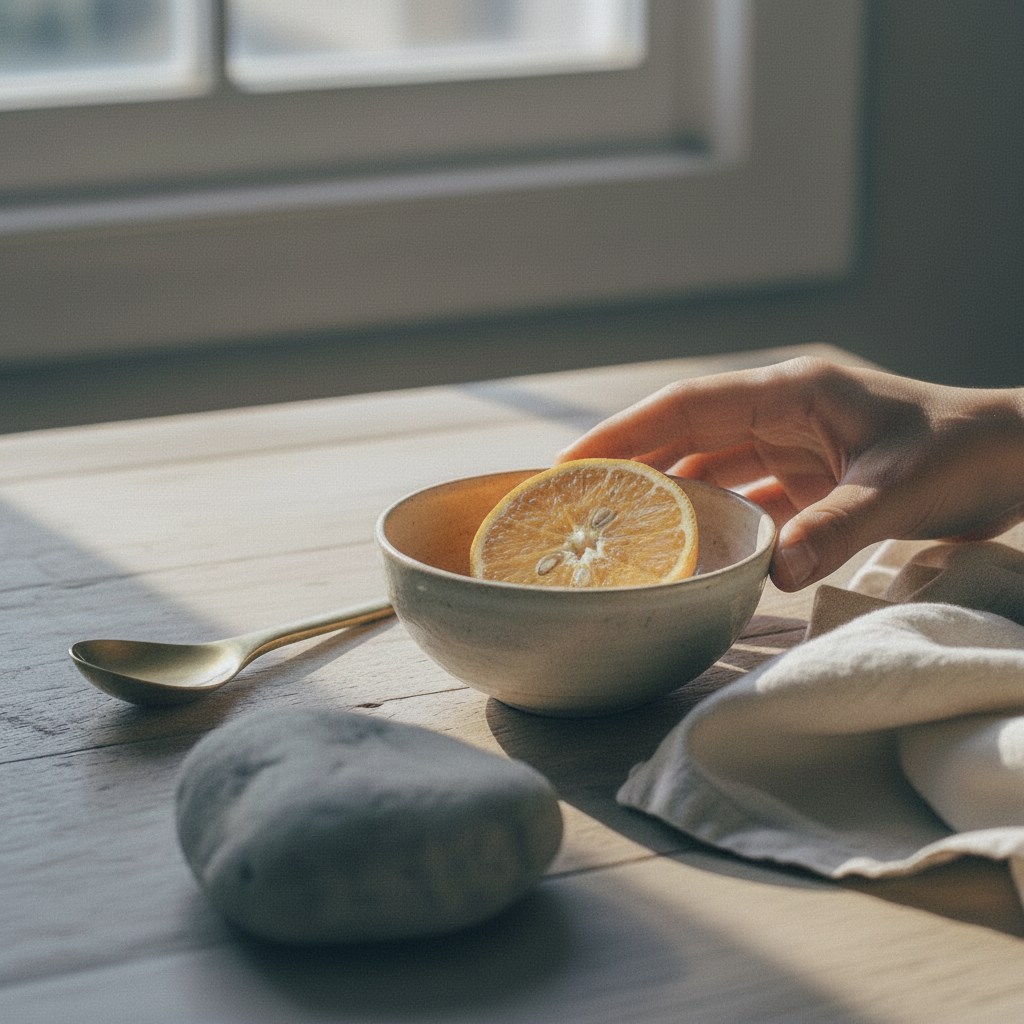
Color
Skin, ceramic, fruit, and metal stay in the same room.
The default profile keeps warm daylight believable without pushing the file into a preset look.
LUMA keeps color, grain, and surface detail close to the scene you saw.
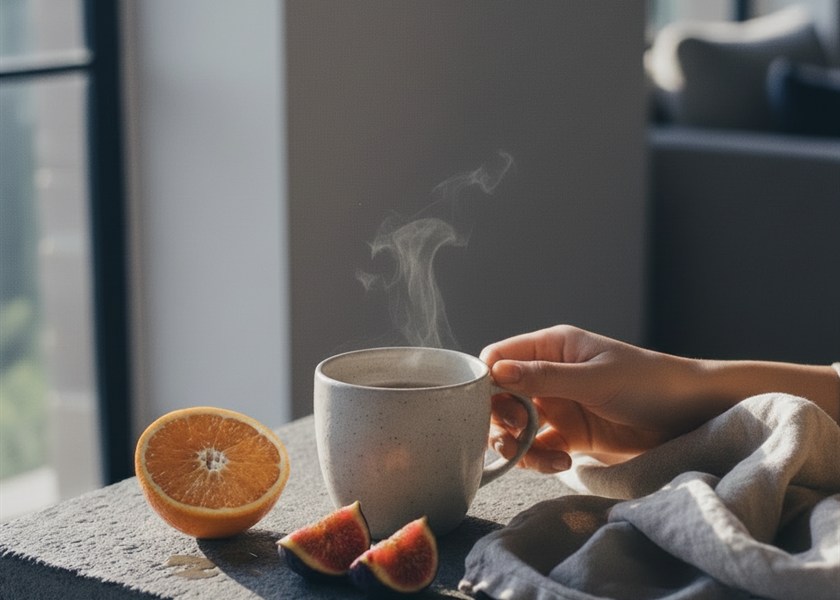
Color
The default profile keeps warm daylight believable without pushing the file into a preset look.
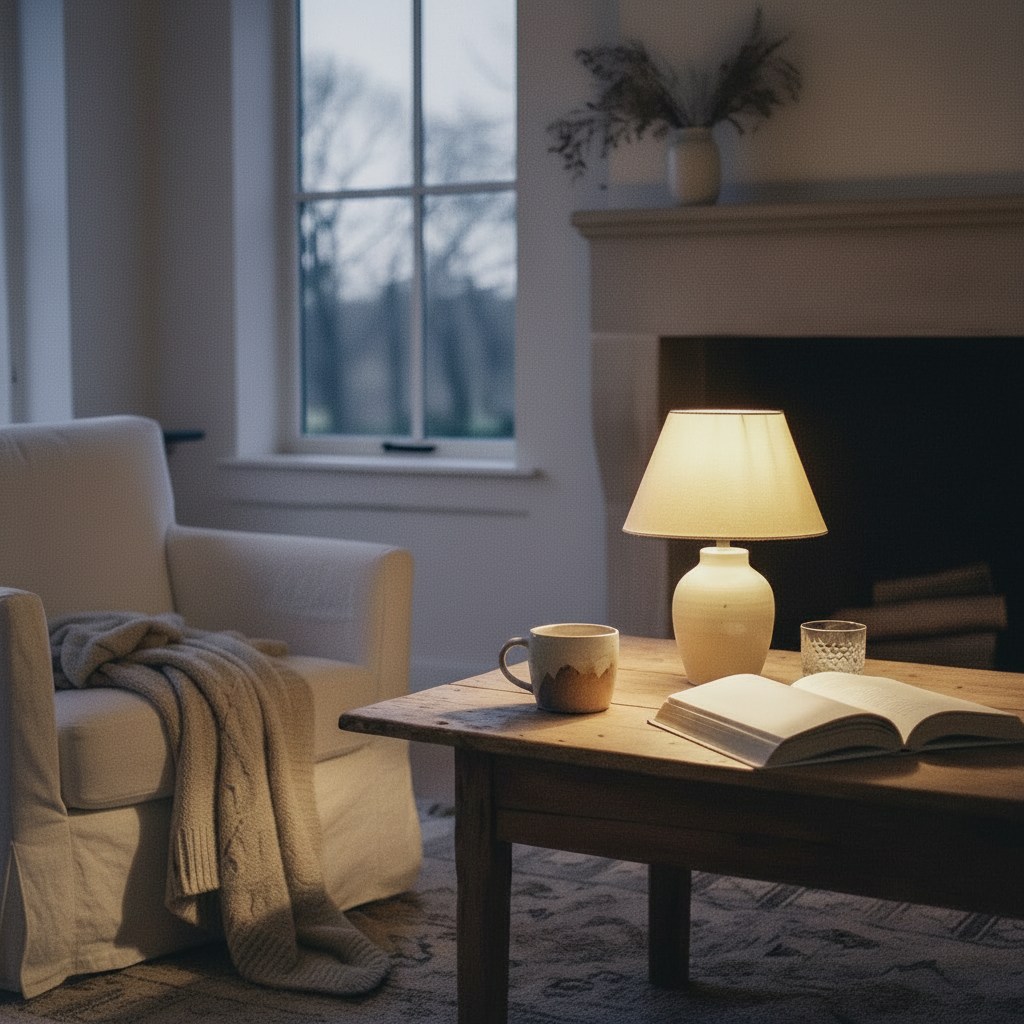
Low light
Shadow detail stays present, with a little grain left where the scene needs it.
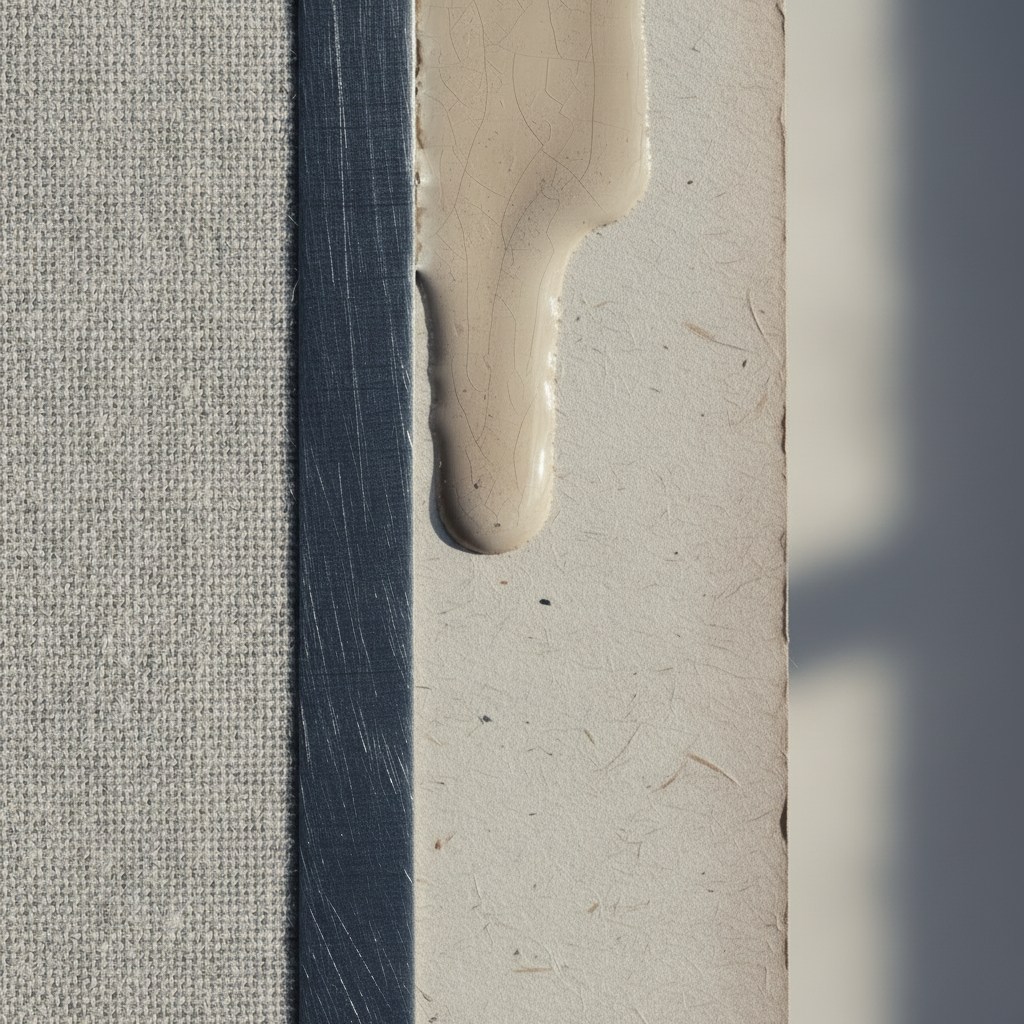
Detail
Paper, fabric, brushed metal, and glaze keep their surface instead of turning into a sharpening test.
These are not filters. They are starting points that keep the file calm before editing begins.
A neutral-warm base for the materials people actually photograph: skin, food, stone, fabric, and wood.
Warm lamps stay warm. Blue shadows stay blue. The file does not flatten the room into one tone.
Edges are held back enough for texture to feel tactile, not clinical.
After capture
Shoot neutral, or start from a saved color recipe.
Add focus, lens, time, and location while the setting is fresh.
Save the set as a collection before the reason for the frame fades.